SkinSync
Track. Learn. Glow.
Team
He/Him

He/Him

She/Her

He/Him

She/Her

Problem and Design Overview
People getting into skincare today are often overwhelmed by all the information and advertising when trying to figure out their skin type and skin concerns. There is not an easy way for them to self-diagnose their skin type or conditions without either seeing a dermatologist or testing countless products that often don't work, ultimately wasting time and money.
SkinSync lets users monitor their skincare progress and discover products tailored to their skin needs or goals. Its social feature allows users to share and read product reviews from others, making it easier to choose what actually works and avoid wasting money.

The Problem: Information overload and biased advertising make it hard to find products that work.
Design Walkthrough
SkinSync supports two two core user experiences that help people feel more confident and consistent in their skincare journey. First, the app helps users understand their skin and establish a personalized foundation through a guided survey that identifies skin type, concerns, and goals. Using this information, SkinSync recommends products that align with the user’s needs and ingredient preferences, reducing the guesswork that often leads to wasted time and money. Second, SkinSync helps users build and maintain routines they can refine over time by organizing products into customizable routines and pairing them with progress tracking. As users log use and observe changes through the timeline, they can better evaluate what is working and make informed adjustments. Together, these two experiences allow SkinSync to support both beginners and more experienced users by combining personalized guidance with long-term routine and progress management.
Onboarding and Personalization
Users begin by creating an account and completing a comprehensive survey. SkinSync provides educational information during this process to help users accurately identify their skin type and concerns.
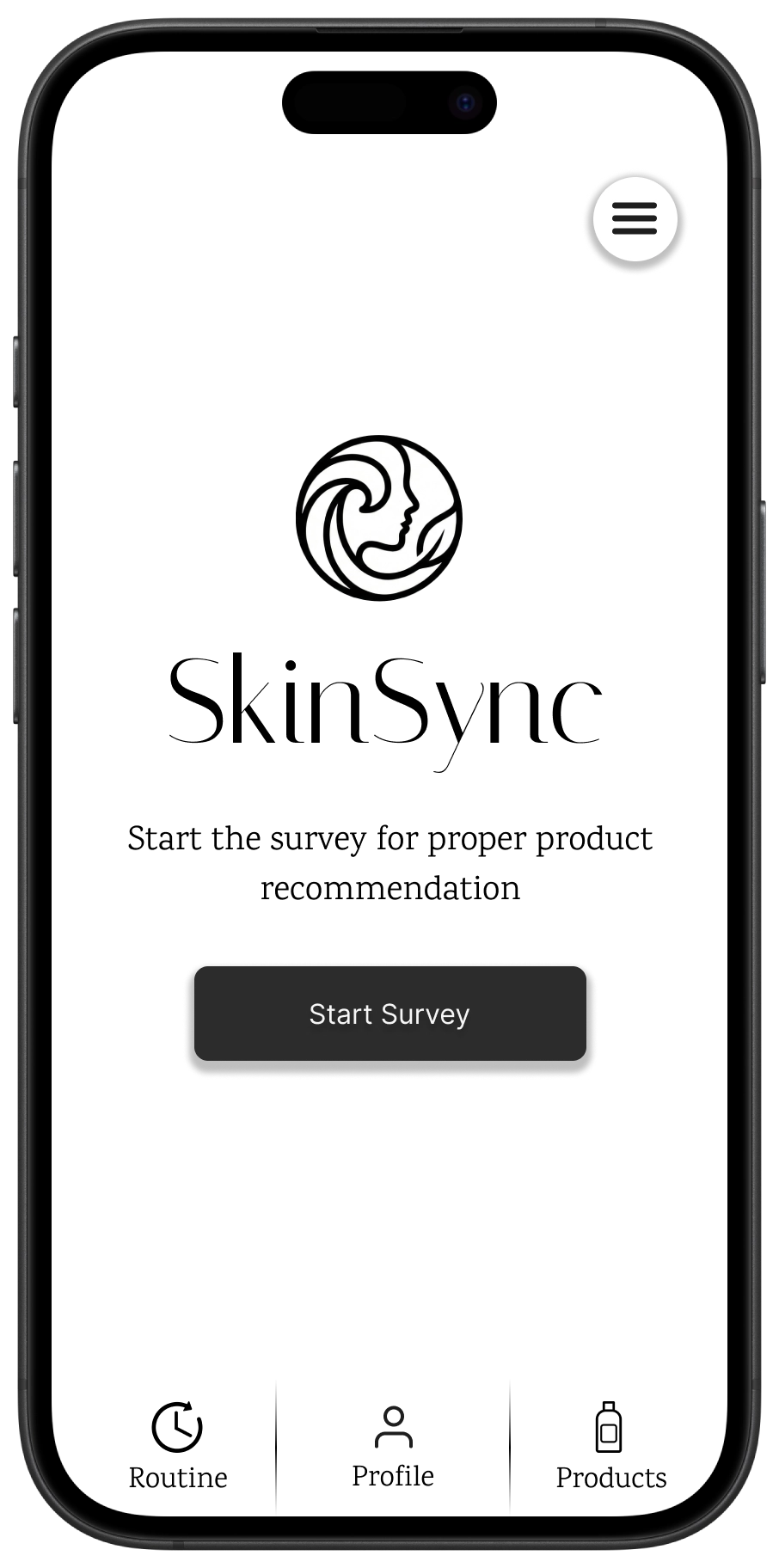
Start Screen
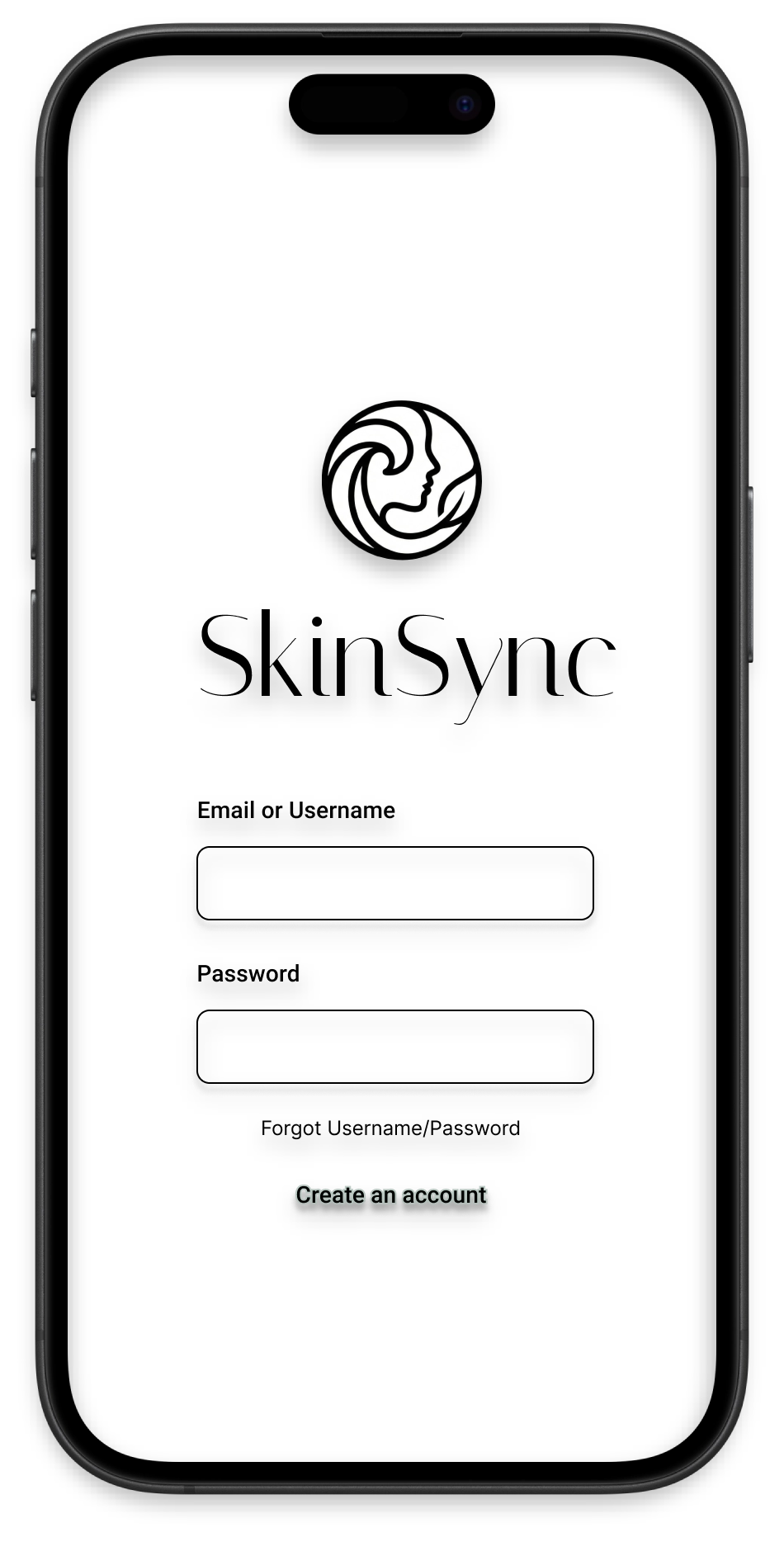
Login
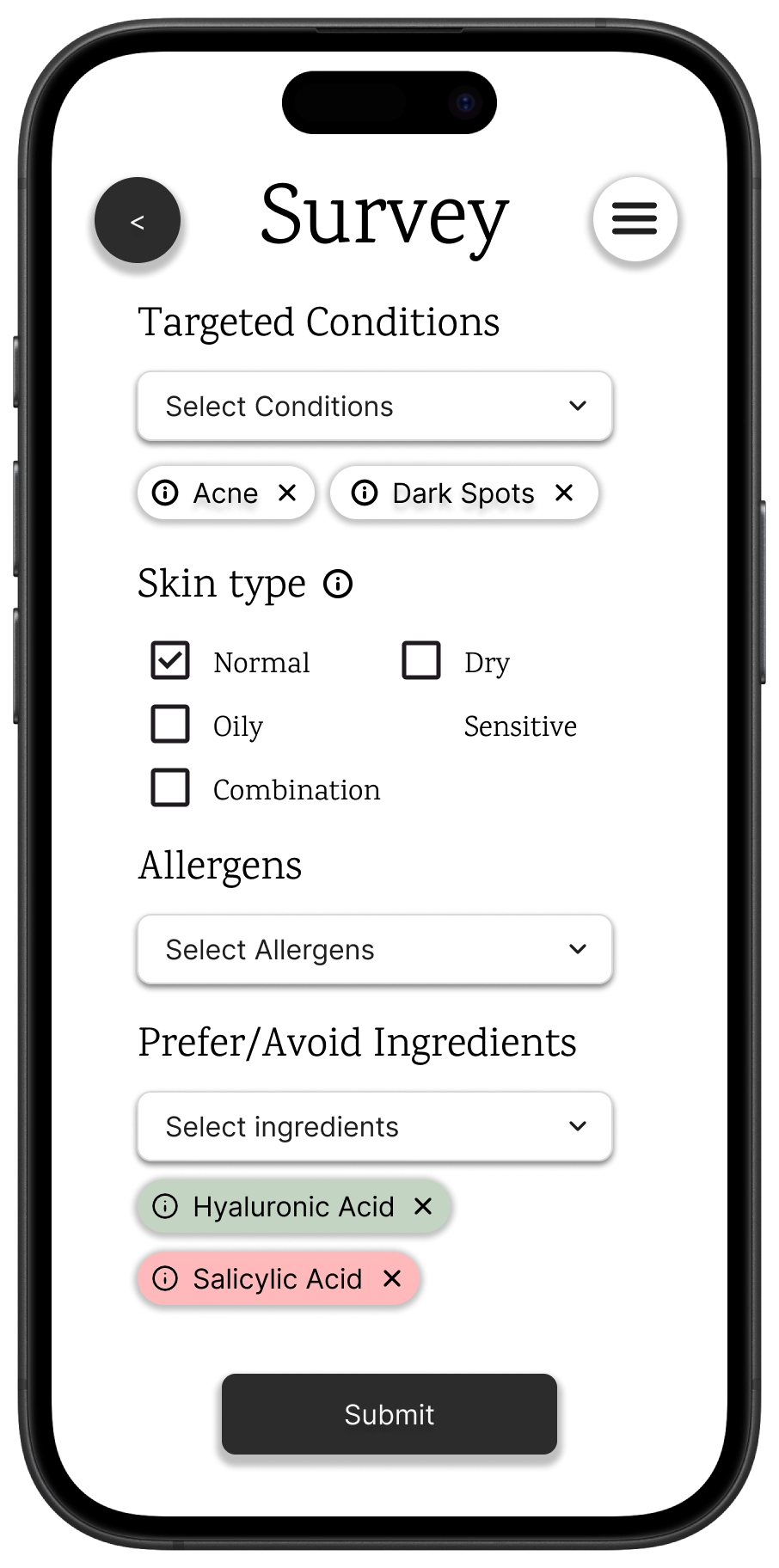
Skin Survey
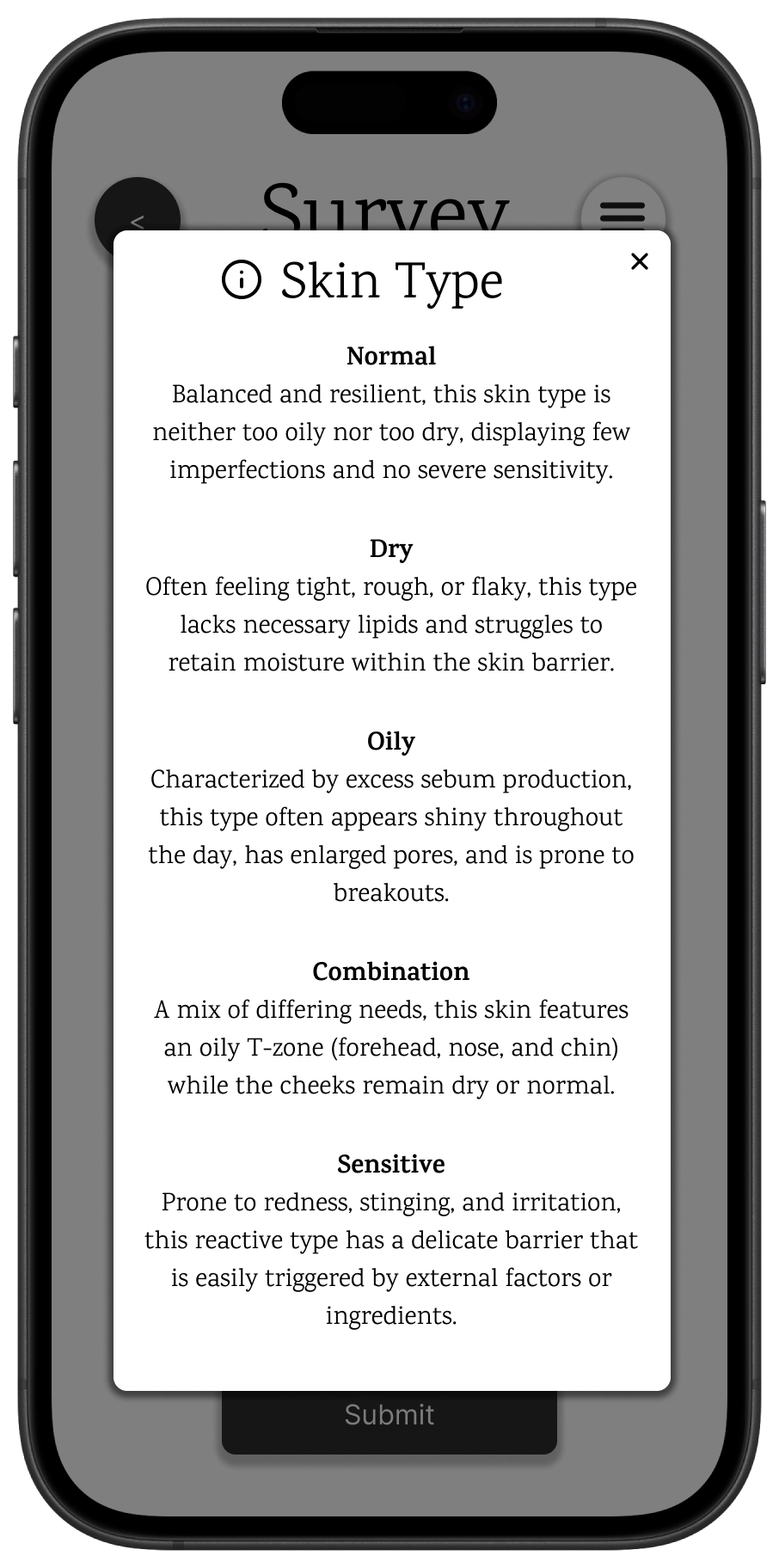
Educational Info
Once the survey is complete, a personalized profile is generated, highlighting the user's specific skin needs and goals.
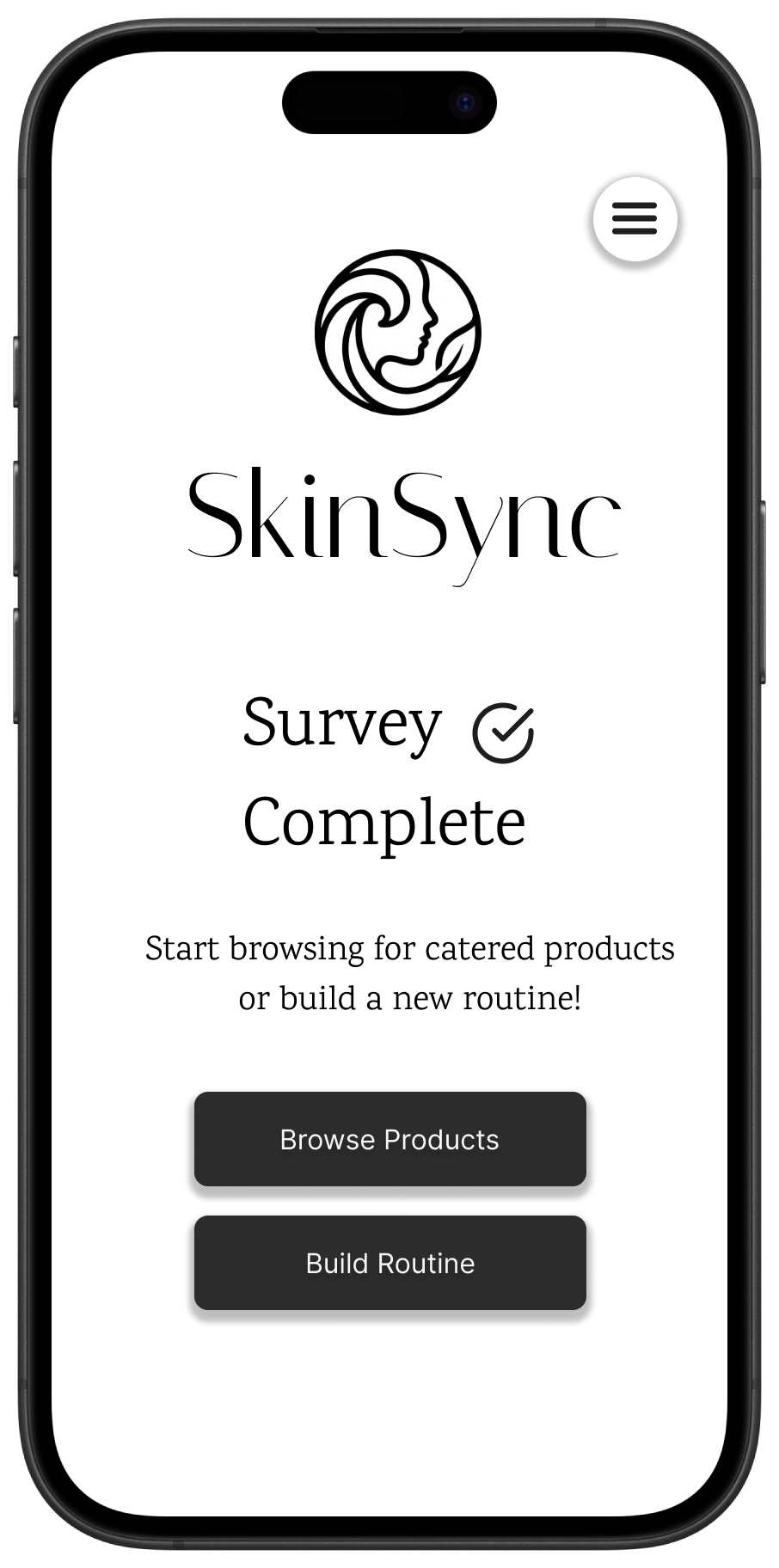
Survey Complete
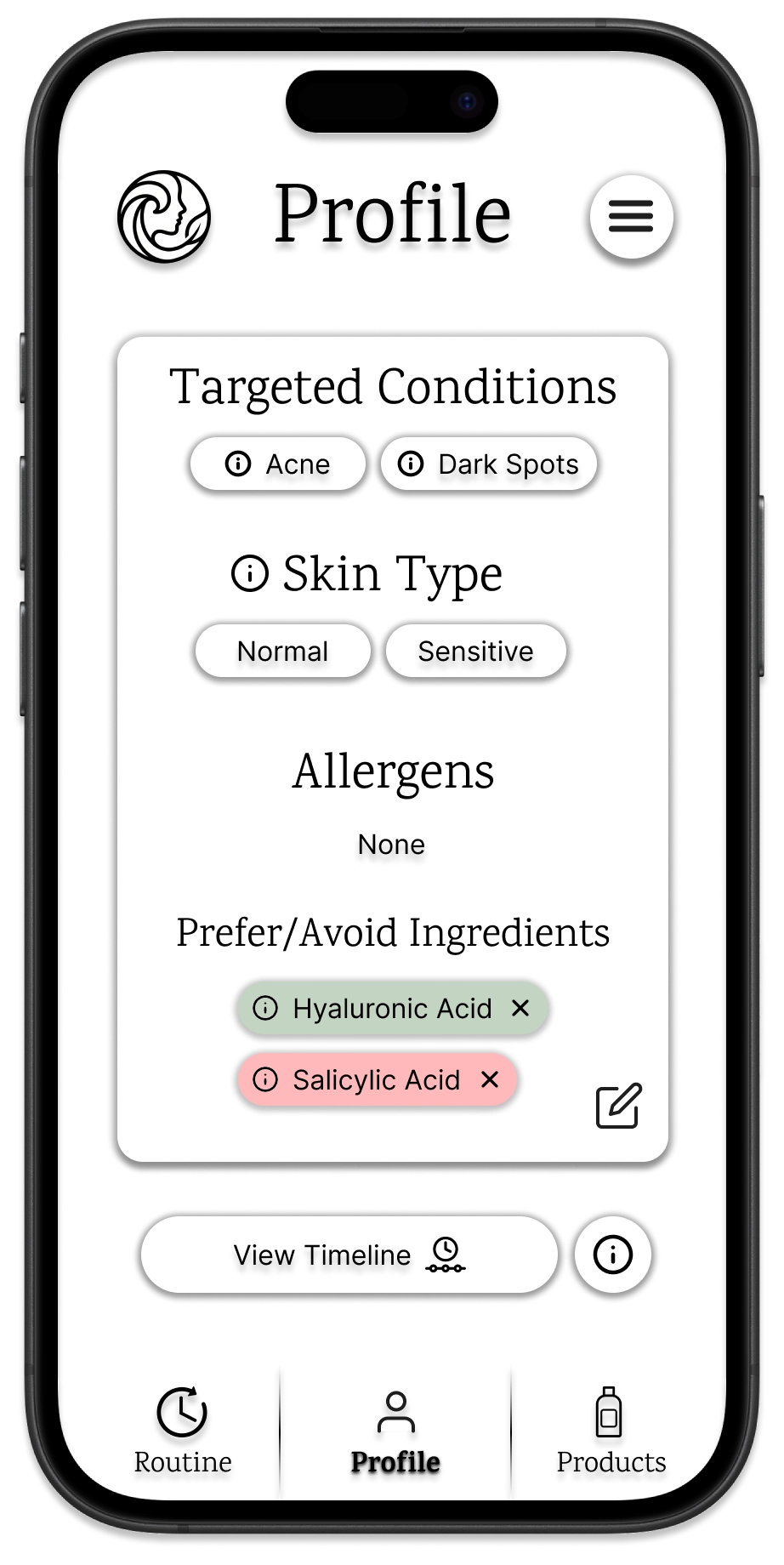
User Profile
Routine Management and Discovery
Users can browse products tailored to their profile, view detailed ingredient analyses, and easily add products to their daily routines.
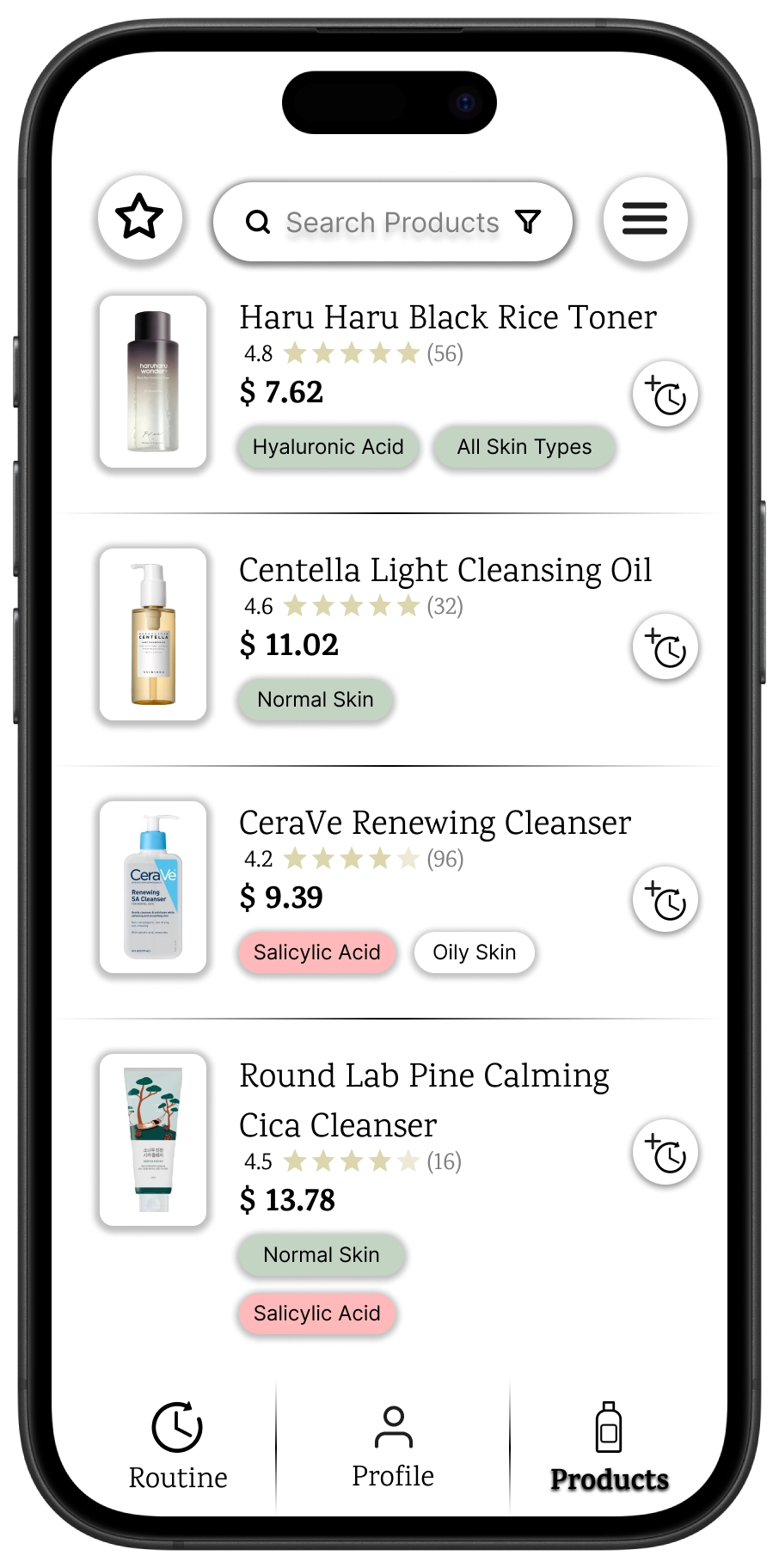
Browse Products
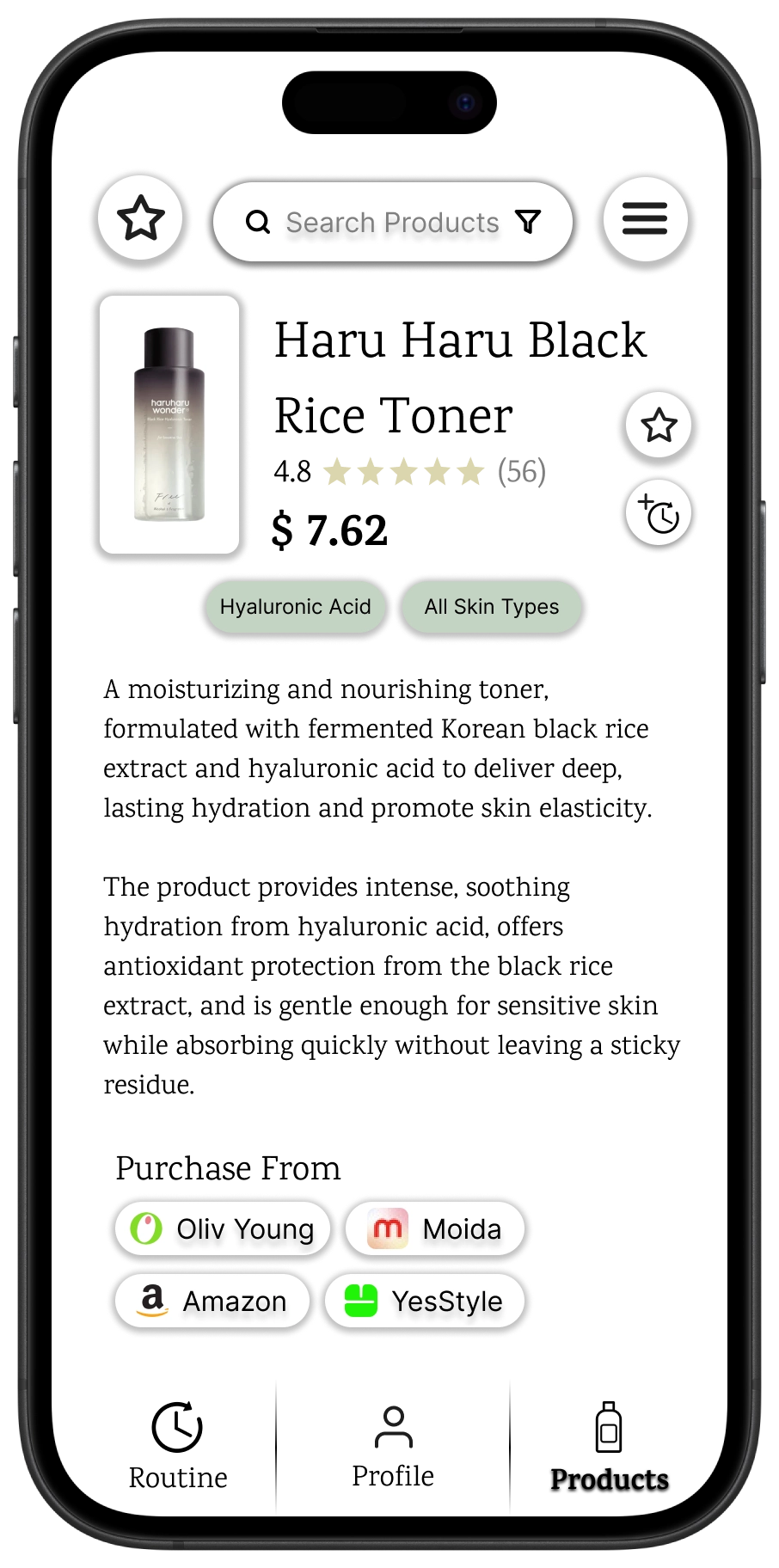
Product Details
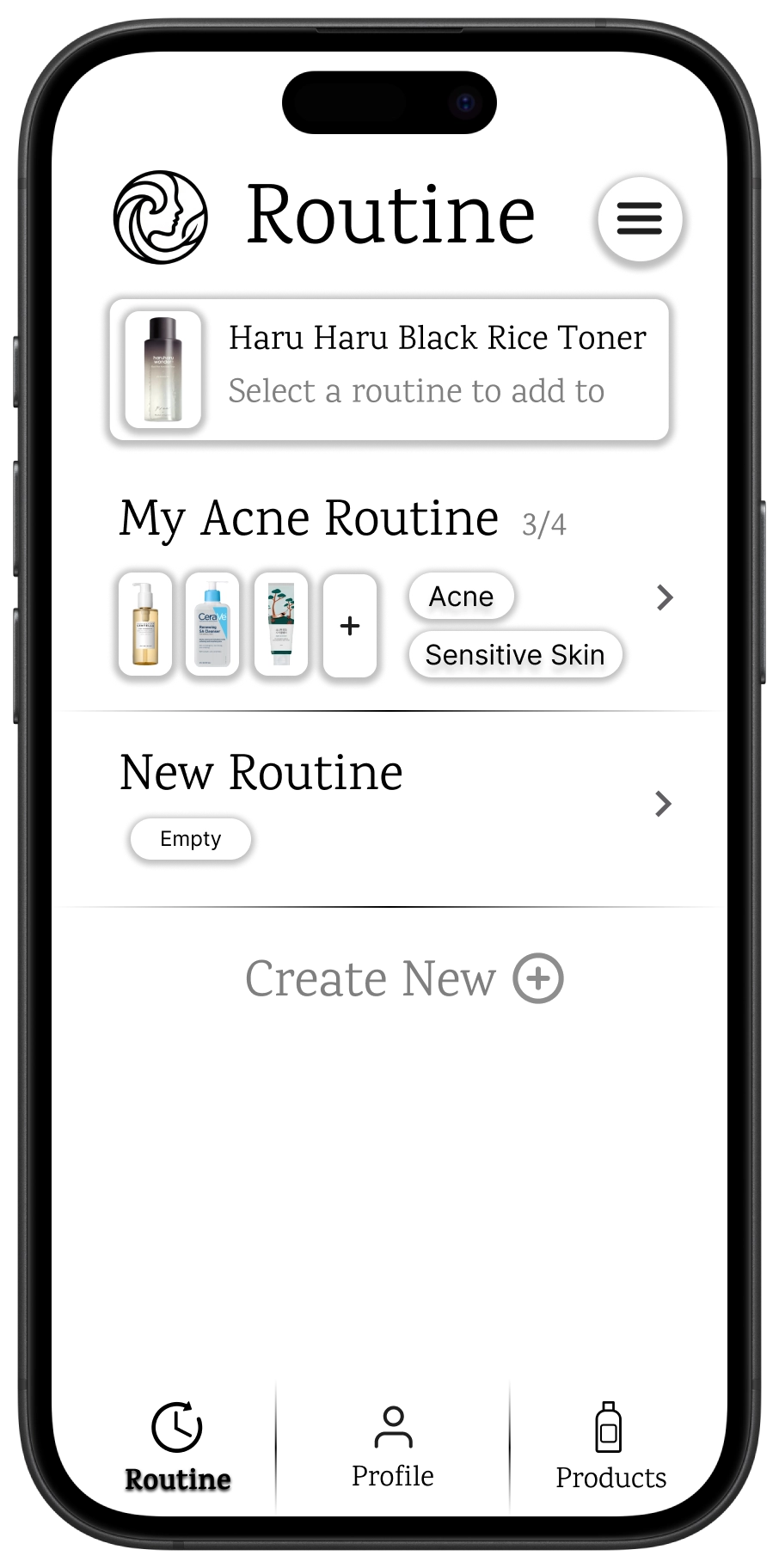
Add to Routine
The timeline view helps users stay consistent with their morning and evening routines, allowing for easy tracking and adjustments.
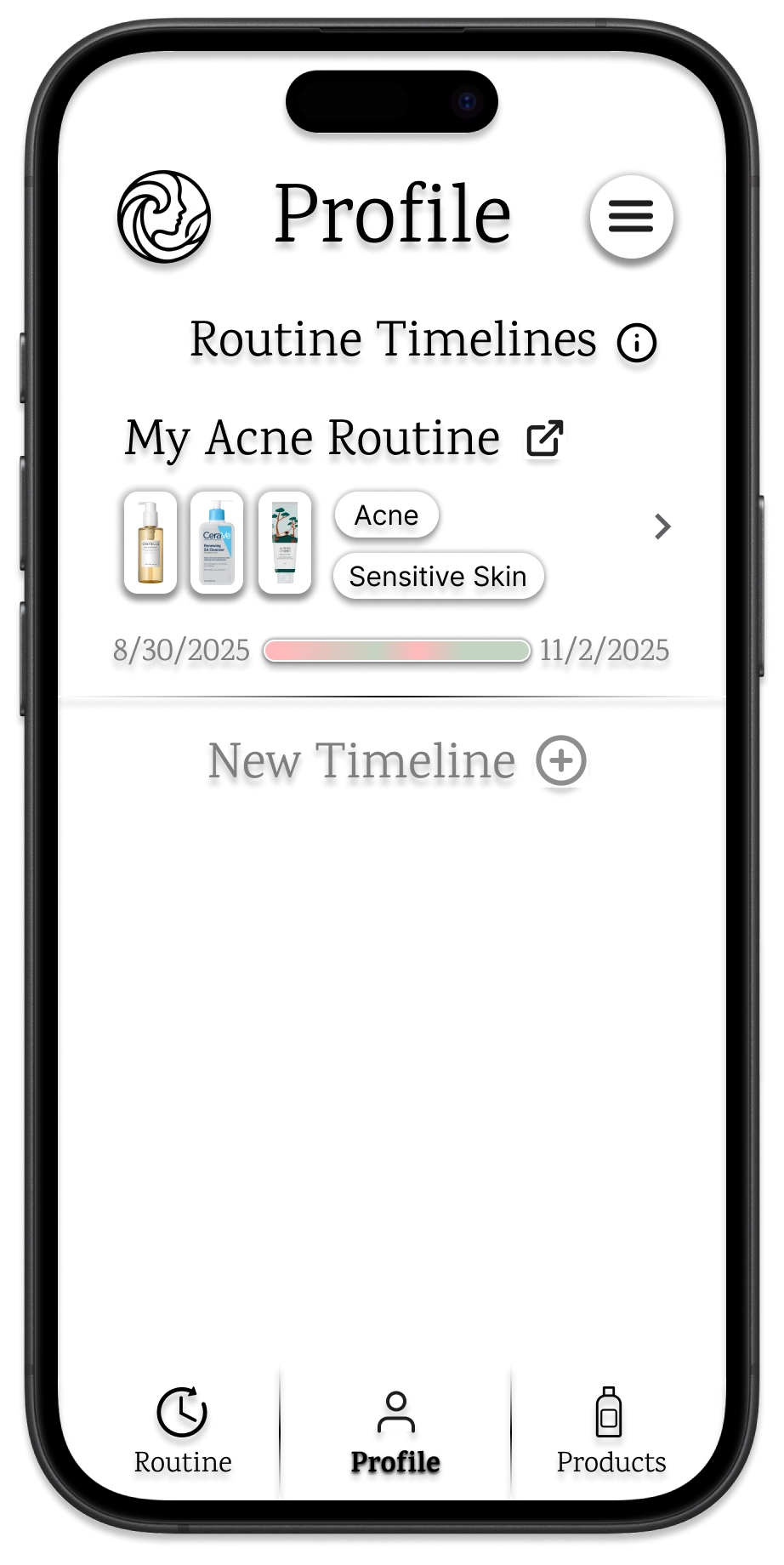
Choosing a timeline
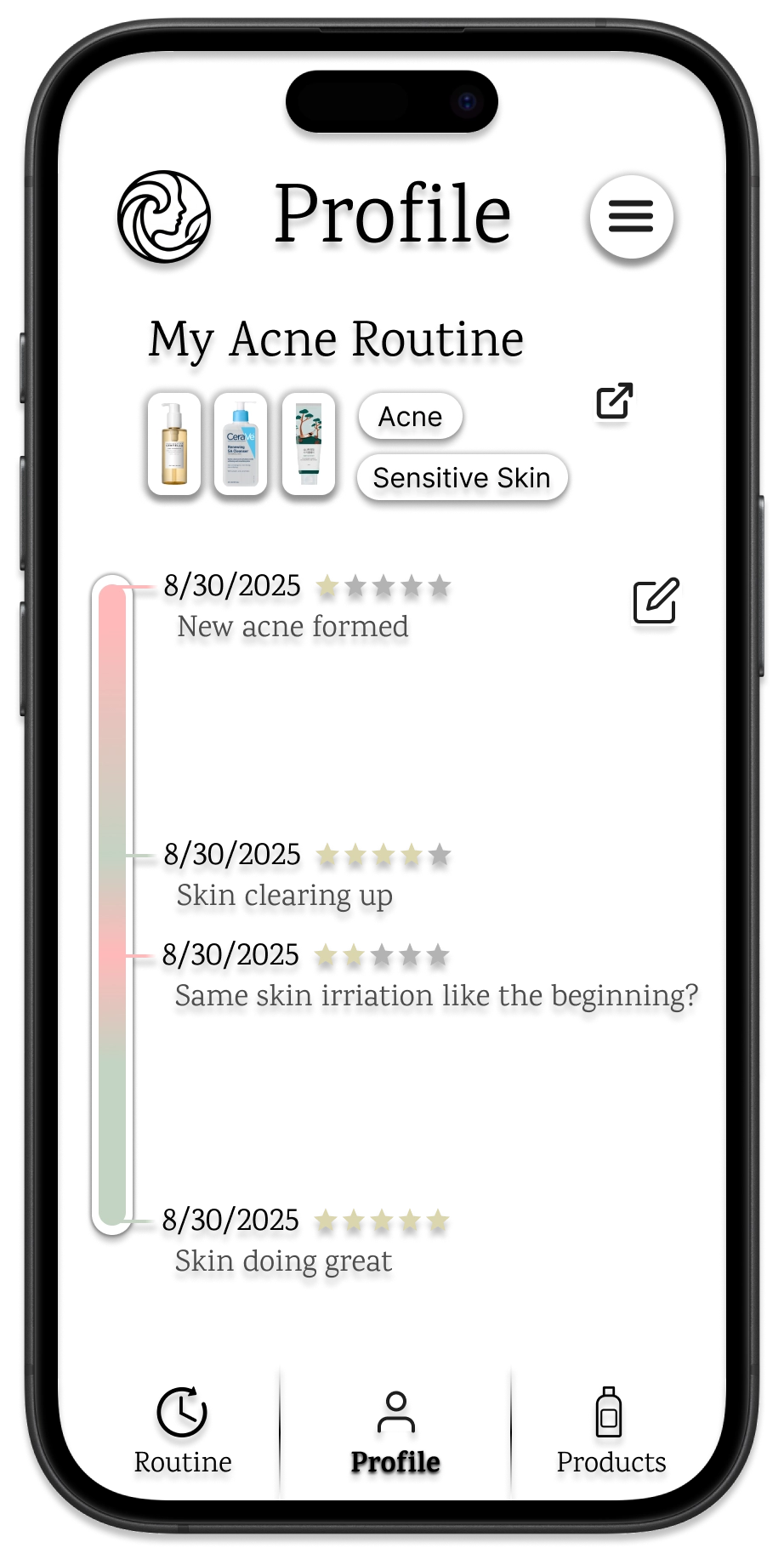
Routine Timeline
Design Research and Key Insights
We conducted early research to understand how people learn about skincare. To capture a range of perspectives, we recruited three participants with different levels of experience: one complete beginner, one highly engaged skincare user, and one professional (a Sephora employee). This mix gave us insight across multiple knowledge levels and helped us identify key points in flaws and opportunities to address in our design.
The Feedback Loop is Broken
Users abandon skincare routines because they cannot objectively see progress day to day. Our beginner participants noted that skincare requires patience, but the lack of immediate visual results makes it hard to stay motivated. They often forgot which products they used when they had a "good skin day" or a breakout. This insight revealed the need for a visual timeline feature, allowing users to log photos and routine consistency so they can correlate product usage with actual skin changes over time.
Simplifying Choices
Users are paralyzed by too many skincare options and often blindly follow trends. Our beginner participant described feeling lost in stores with thousands of products, often buying viral items that harmed their skin. This insight led us to design a system that only shows products matching the user's profile. By filtering out irrelevant items, we help users trust their decisions and avoid wasting money on products that won't work.
Understanding Skin Needs
Users lack the vocabulary to correctly identify their own needs, leading to expensive trial and error. Our research showed that Dry or Oily are subjective terms that beginners often misinterpret. Participants described buying products for acne that exacerbated their dryness because they didn't understand the interaction. This insight focused our design on Education First Onboarding, where we don't just ask for a skin type, but guide the user to discover it through symptom-based questions.
Iterative Design
We created our initial paper prototype from sketches, guided by our two focus tasks. Because this was our first complete version, it went through many revisions. We gathered feedback through a heuristic evaluation, which helped us identify issues in how SkinSync communicates with and guides the user. We also conducted usability testing with a participant interacting with the paper prototype in person. Observing the prototype in real time allowed us to spot breakdowns in the flow and uncover unclear interactions. We documented these issues and made immediate revisions to improve the experience.
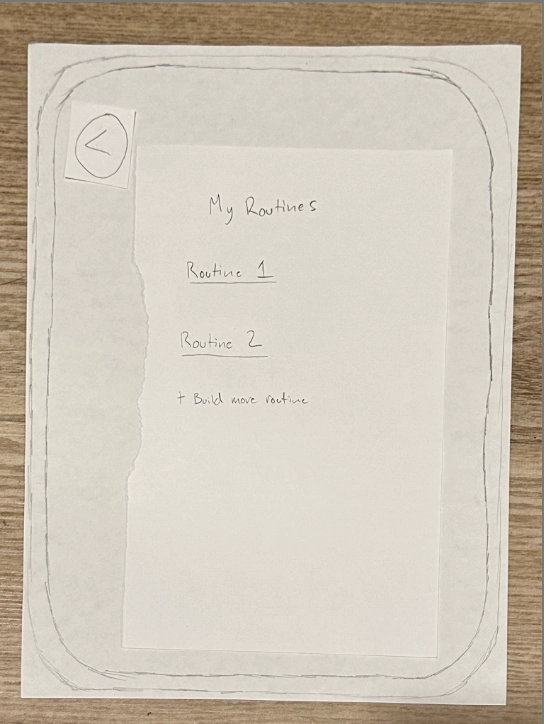
Early paper prototype sketches exploring the routine building flow.
Explaining Why Products Fit
Users are more likely to trust and adopt product recommendations when the why is explicitly communicated, rather than presented as a black box match. This insight emerged from our heuristic evaluation, which flagged a violation of Match Between System and the Real World; the initial prototype recommended products without explaining their relevance to the user's specific skin conditions. Participants in our usability study echoed this, expressing confusion about why a product was chosen. In response, we iterated the product detail screen to clearly highlight how each product addresses the user's identified goals (e.g., Good for: Dryness), and we carried this transparency into the final digital design by including detailed ingredient breakdowns.
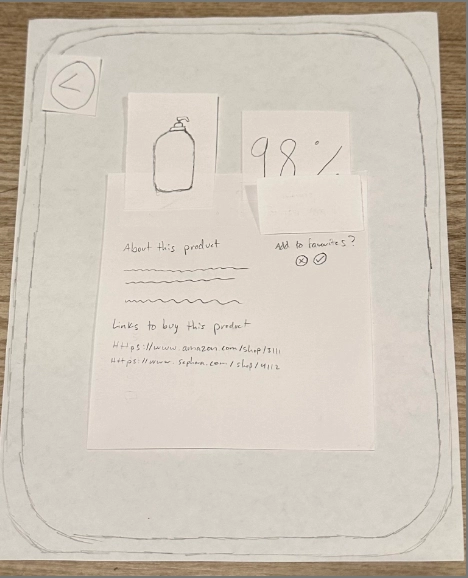
Before: The original product screen listed items without explaining their relevance to the user's profile.
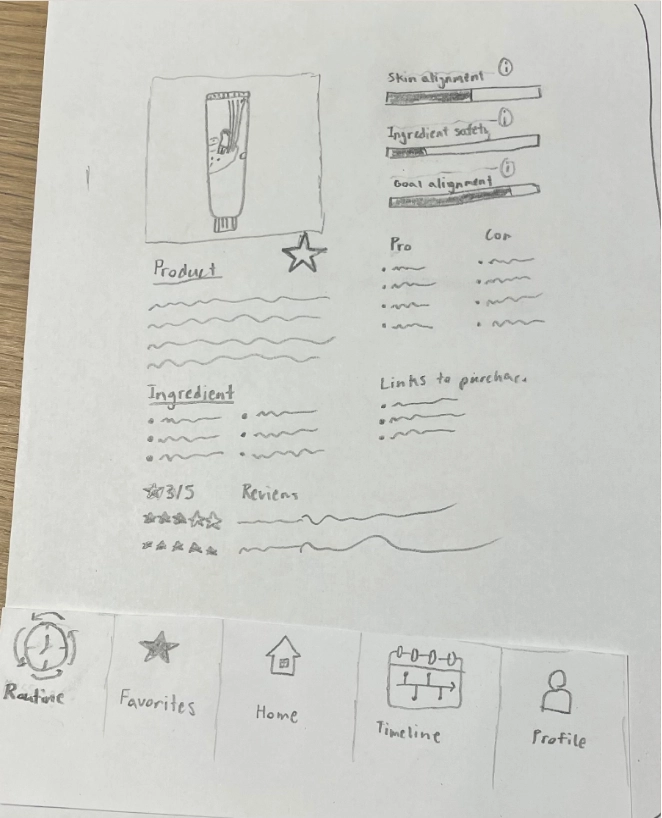
After: We added clear indicators of why a product fits the user's needs, plus Pros/Cons for transparency.
Flexible Routine Building
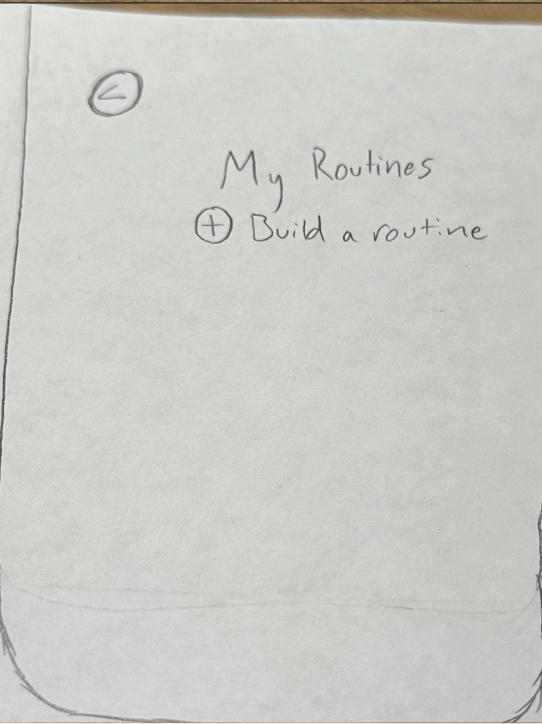
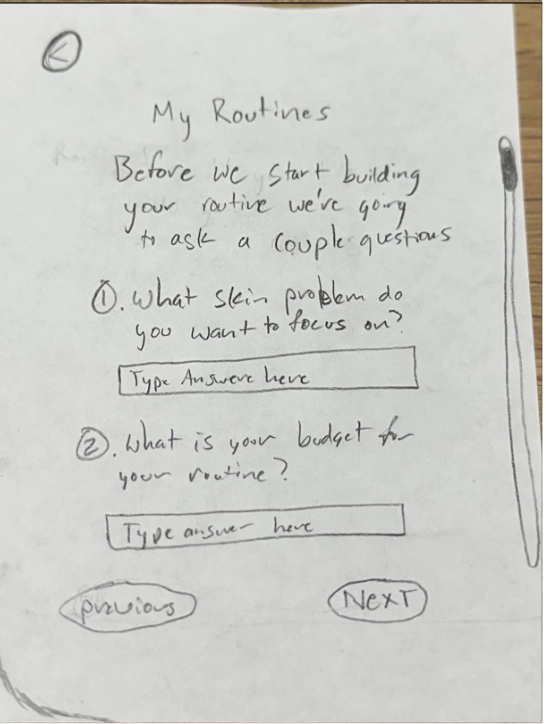
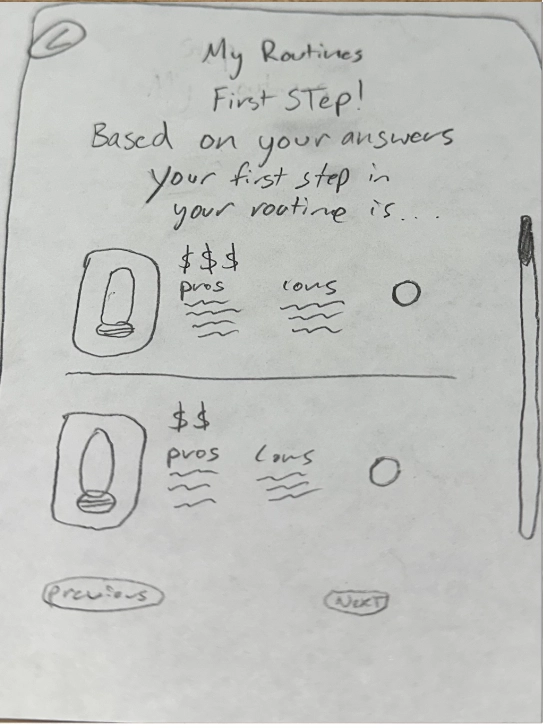
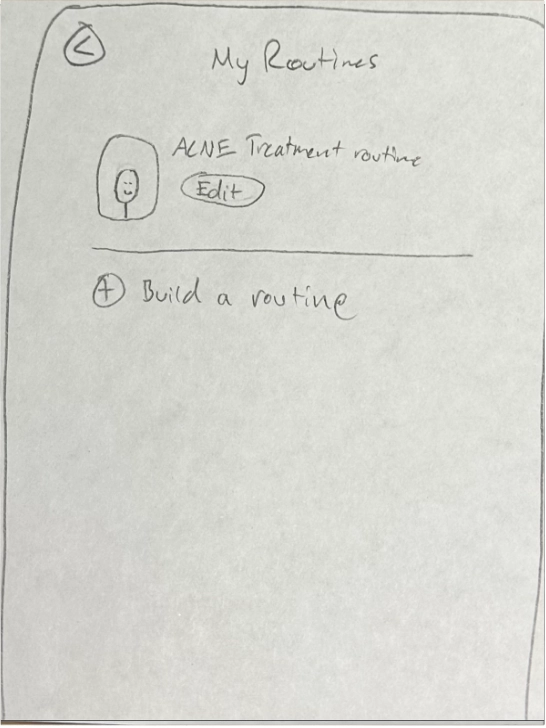
A rigid, linear routine builder fails to accommodate the diverse goals users have for their skin, such as targeting specific concerns versus general maintenance. During usability testing, we observed that participants felt restricted by our initial one size fits all routine flow. They wanted the freedom to build routines focused on specific outcomes, like treating acne or improving texture. We iterated the design to introduce a multi step preference flow, allowing users to select their primary focus early on. This change transformed the routine builder from a passive checklist into an active, personalized planning tool.
Before: The initial routine builder was a single screen that lacked customization options.
After: We implemented a multi step wizard that guides users to build a routine based on their specific skin goals.
Explaining Skin Terms
Assuming prior knowledge of domain specific terms creates a significant barrier to entry for novice users. Our usability testing revealed that asking users to self identify their skin type or conditions without guidance led to hesitation and uncertainty. Participants struggled to distinguish between terms like combination vs. oily skin. To address this, we integrated educational tooltips and clear definitions directly into the survey flow. This iteration ensures that users of all knowledge levels can provide accurate data, leading to better personalization outcomes.
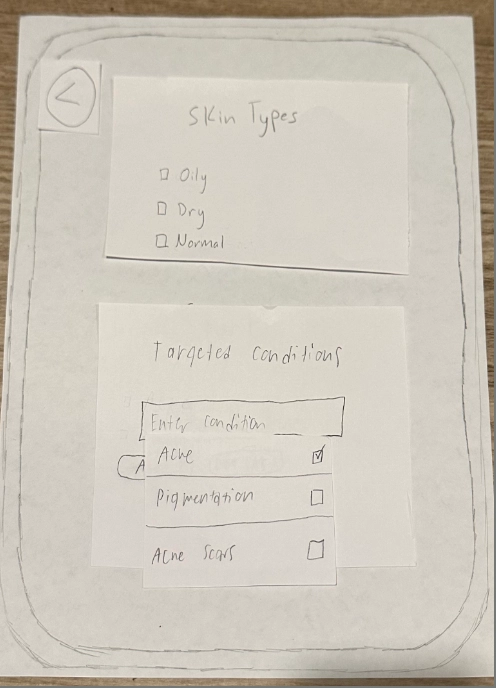
Before: The survey asked for skin type input without providing definitions, confusing beginners.
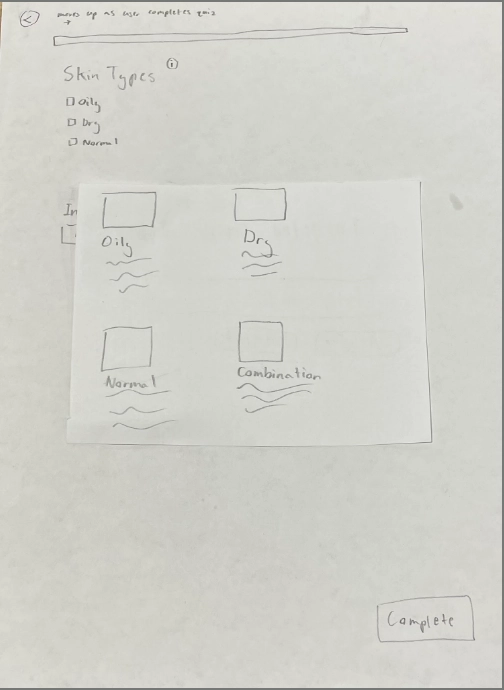
After: We added information icons that users can tap to learn more about each term.
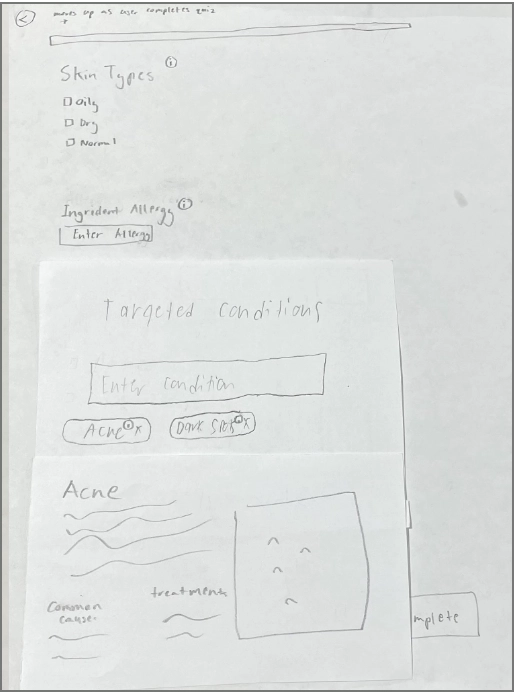
After: Tapping an icon reveals a clear definition, helping users self identify accurately.