






flying ufo welcome

to

CSE 154

ufo spinning moon email planet planet planet planet satellite
sun dragon on clouds bird-flying
genie clouds growing butterflies
tree tree tree tree with little guy robots fighting horse cat scratching guy riding bull frog hopping
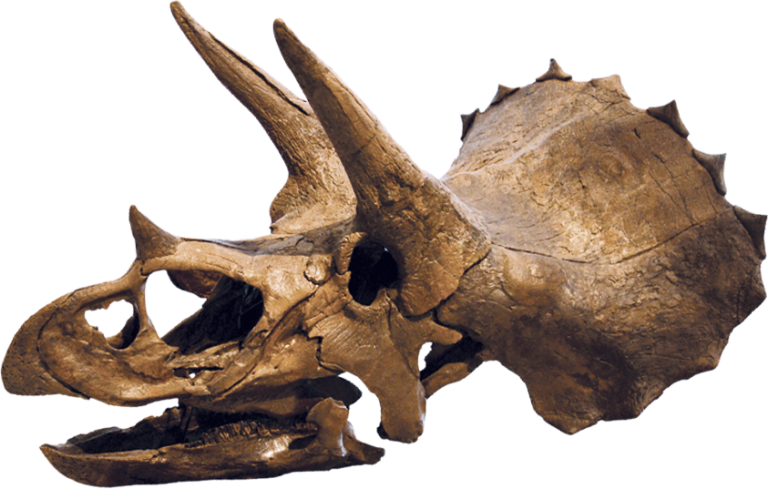
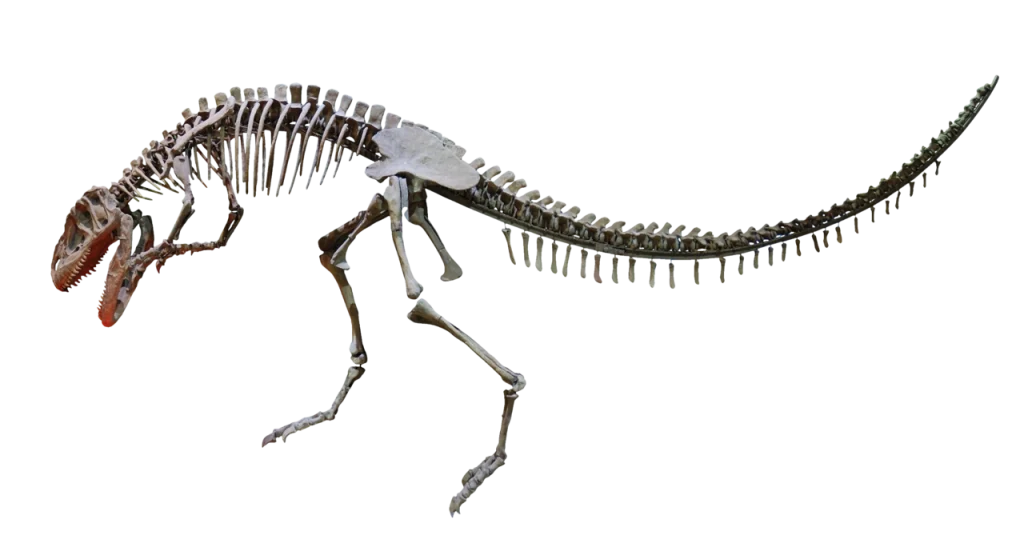
dinosaur skeleton fossil dinosaur skeleton dinosaur skeleton dinosaur skeleton dinosaur skeleton fossil
bubbles bubbles bubbles bubbles
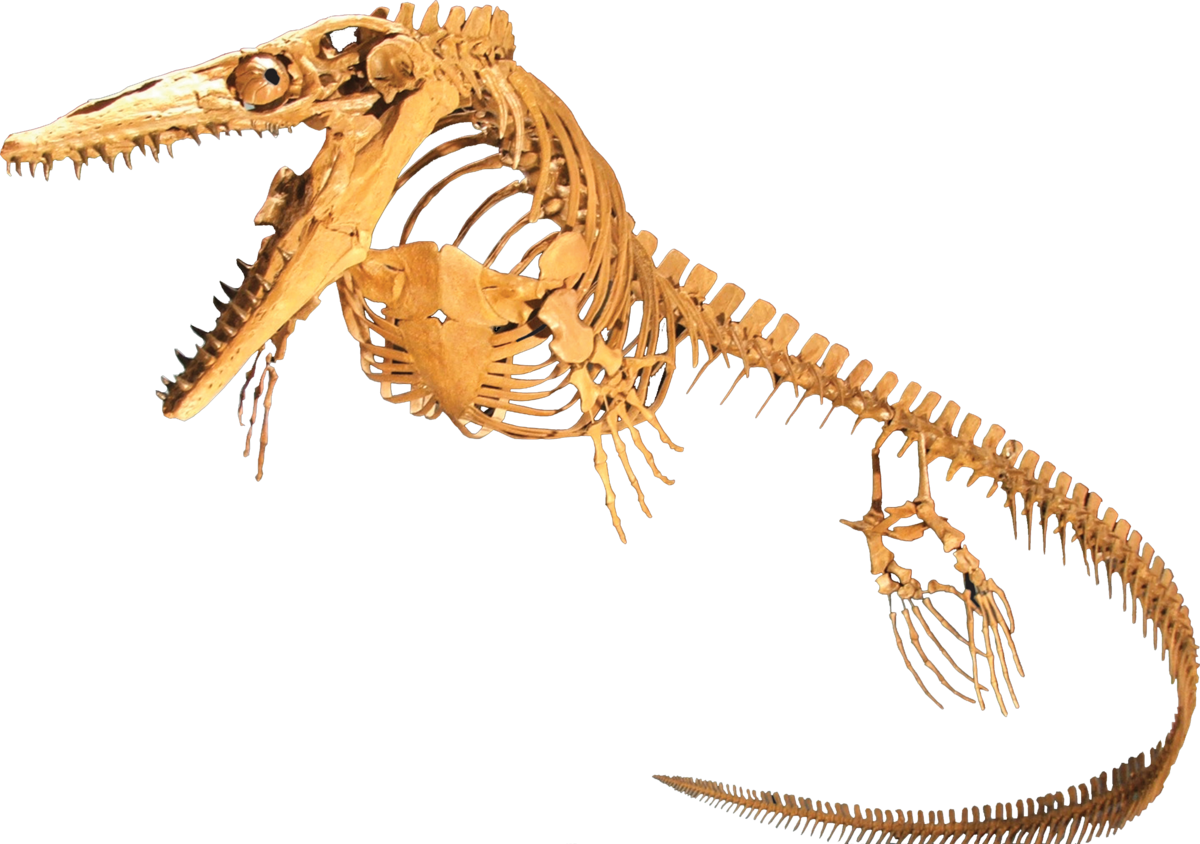
scuba diver shark school of fish goldfish swimming fish sea monster seahorse stinky green fish

Hi! Thanks for clicking my website! My name is Elias and I am a 4th year Computer Science student here at UW and this is my second time TAing cse154 (the best cse class @ uw)

Helpful tips

Submit Early! The closer to the due date, the slower auto-grader gets :(

Linters suck but they don't have to.

If you write your code with linters in mind, it will save you a lot of time. Here are some tips:

  1. Read the Setup Guide & download the extensions
    • I also like the extension Auto Rename Tag, which renames opening and closing tags at the same time!
  2. Learn a couple vscode keyboard shortcuts!
  3. Give yourself around 30 minutes to work on your auto-grader tasks sometimes you hit submit for the first time and theres a lot of red.
  4. You can submit as many times as you want to make sure everything passes, so do it often!

Follow what makes you curious.

A lot of the assignments in this class are opened ended and allow for some creative flair, so chase what interests you!